Best ipsubtv Apps Comparison 2026
Published in Apps | 1500 Words
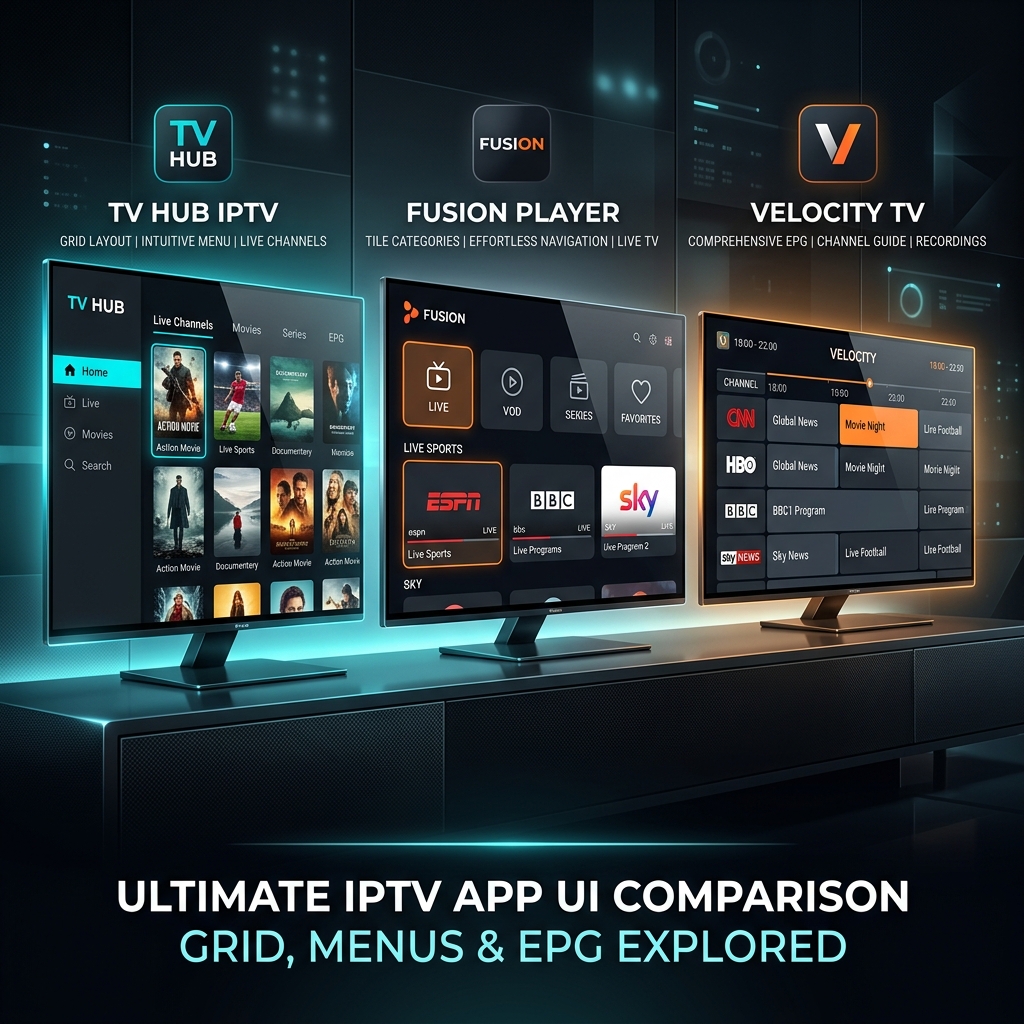
One of the most consequential decisions you will make after purchasing a premium ipsubtv subscription is deciding which application you will use to stream it. While the backend server dictates the quality, speed, and library of channels, the frontend application you choose entirely dictates your user experience (UX). A poorly optimized, clunky app can make a blazing-fast server feel excruciatingly slow, while a masterfully designed premium application transforms basic streaming into a luxury, cable-like experience.
In this definitive 2026 application comparison, we will deeply dive into the three titans of the IPTV app ecosystem: TiviMate, IPTV Smarters Pro, and IBO Player. We will break down their user interfaces, compatibility, unique features, and ultimately guide you to the perfect app for your specific setup.
1. TiviMate: The Undisputed King of Android
If your primary viewing device is an Android TV box, an Nvidia Shield, an Amazon Firestick, or a smart TV running the Google TV OS, there is virtually no debate in the community: TiviMate is the gold standard.
The Interface
TiviMate was meticulously designed from the ground up to mimic—and arguably surpass—the traditional cable set-top box interface. When you boot up TiviMate, you are greeted with a stunningly polished, grid-based Electronic Program Guide (EPG). The channels occupy the vertical axis, and the time blocks stretch along the horizontal axis. It feels profoundly familiar to anyone who grew up using Comcast, Sky, or Virgin Media boxes. You can rapidly scroll through categories, preview channels in a picture-in-picture (PiP) window, and instantly read movie synopses right from the grid.
Standout Features
- Multi-Screen Viewing: TiviMate handles high-bandwidth multi-viewing flawlessly. If your ipsubtv subscription allows for multiple simultaneous connections, you can watch four different football matches on a single screen without a single dropped frame.
- Catch-Up Support: If your server supports it, TiviMate integrates a "Catch-Up" icon into past EPG broadcasts, allowing you to seamlessly click backwards in time to watch shows you missed yesterday.
- Unrivaled Customization: You can meticulously modify the interface colors, rearrange channel groups, hide bloatware categories you don't watch, and map specific remote buttons to perform macro commands.
The Verdict on TiviMate
TiviMate does require a one-time "Premium" unlock fee (roughly $30 for a lifetime license covering up to 5 devices), but it is worth every penny. However, its major limitation is that it is strictly an Android/FireOS application. You cannot natively install TiviMate on an Apple TV, an iPhone, or a Roku.
2. IPTV Smarters Pro: The Universal Standard
IPTV Smarters Pro is unequivocally the most popular, widely utilized IPTV player on the planet. Its monumental success stems not from having the flashiest interface, but from an unparalleled level of cross-platform compatibility and extreme ease of use.
The Interface
Unlike TiviMate's transparent cable-box grid, Smarters Pro opts for a more modern, app-centric "hub" interface. When you log in with your Xtream Codes API (which is just a username, password, and portal URL), you are presented with three massive, distinct blocks: Live TV, Movies, and Series. Clicking on one of these blocks drills you down into sub-categories.
This separation makes navigating massive VOD (Video on Demand) libraries profoundly easier. The Movies and Series sections scrape metadata automatically, presenting you with gorgeous movie posters, IMDb ratings, director info, and cast lists. It feels very similar to navigating Netflix or Prime Video.
Standout Features
- Ubiquitous Compatibility: Smarters Pro works on everything. Whether you have an iPhone, an Android tablet, a Windows PC, a Macbook, or a Smart TV, you can download Smarters. This creates a beautifully unified experience across all your devices.
- Master Search: Smarters features a potent global search function. Typing in "Batman" will instantly scrape through your 15,000 live channels to find specialized movie networks, while simultaneously surfacing every Batman film in the VOD library.
- Parental Controls: The app deeply integrates intuitive parental controls, allowing you to permanently lock specific adult-oriented groups behind a PIN code.
The Verdict on Smarters Pro
Smarters Pro requires almost zero learning curve, making it the perfect gateway app. For most casual viewers who just want to input their ipsubtv subscription details and instantly start watching without tweaking settings, Smarters is flawless.
3. IBO Player: The Smart TV Savior
What if you absolutely do not want to purchase an external Android stick or Apple TV, and simply want to use the native operating system built into your Samsung (Tizen OS) or LG (WebOS) television? This is where IBO Player reigns supreme.
The Interface and Execution
Native Smart TV processors are notoriously weak. Loading a premium global playlist containing over 150,000 streams and an equally massive EPG will outright crash older or poorly optimized applications. IBO Player operates entirely differently. It was engineered specifically to be incredibly lightweight and fast on low-memory hardware.
Its interface is sleek, prioritizing speed over visual bloat. It caches your channel lists intelligently, meaning when you turn on your TV, your channels load almost instantaneously rather than forcing you to wait 30 seconds for an EPG refresh.
Standout Features
- Remote Playlist Management: IBO player utilizes a MAC address pairing system. Instead of painstakingly typing a massive M3U URL with your TV remote, you simply go to the IBO website on your computer, enter your TV's secure MAC address, and paste your ipsubtv link. Within seconds, your TV syncs automatically.
- Format Versatility: It natively decodes practically every video format, ensuring maximum compatibility with 4K HDR streams without requiring external codecs.
The Verdict on IBO Player
Like TiviMate, IBO Player requires a small activation fee (usually around $8 for a lifetime MAC address activation) after a 7-day free trial. If you are determined to use your Samsung or LG TV without a dongle, it is the safest, fastest investment you can make.
Summary Comparison Matrix
| Feature | TiviMate | Smarters Pro | IBO Player |
|---|---|---|---|
| Best Platform | Android TV / Firestick | iOS, Windows, Android | Samsung / LG Smart TVs |
| UI Style | Grid (Cable-like) | Hub (Netflix-like) | Minimalist / Speed-focused |
| Pricing | Paid Premium (Subscription/Lifetime) | Mostly Free (Pro unlock available) | Small Lifetime MAC Fee |
| Multi-View Native? | Yes, Excellent | Yes, Basic | No |
Final Thoughts: Maximizing Your Subscription
Do not let a subpar application ruin a top-tier server. If you invest in a premium ipsubtv subscription, do yourself a massive favor and pair it with an equally premium player. If you want the ultimate couch-surfing cable experience on an Android device, pay for TiviMate. If you want something free that you can seamlessly throw on your iPad, PC, and living room TV, download Smarters Pro. And if you’re using native TV hardware like LG WebOS, activate IBO Player.